

For guests, nothing to explain
One screen, big buttons, and a print in hand within seconds.
Tap the screen
The event's welcome screen invites guests to start.
Smile for the countdown
Photily triggers the camera when the countdown ends.
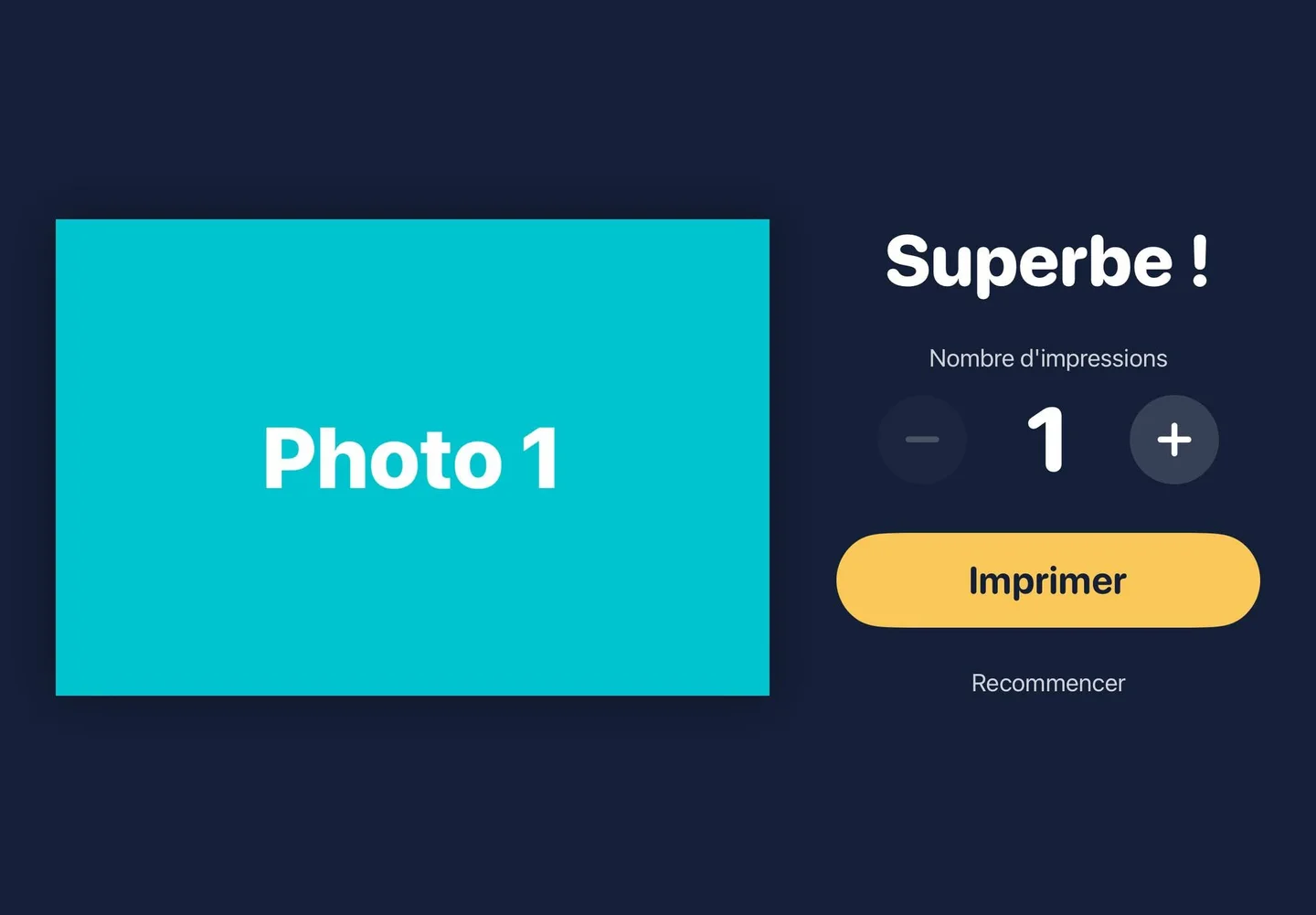
Choose how many prints
Up to the limit you set per guest.
Grab the photo
The print comes out of the printer, and the photo can also be sent by email.
For operators, everything is set per event
Prepare each wedding or party in advance, then launch the booth in one tap.
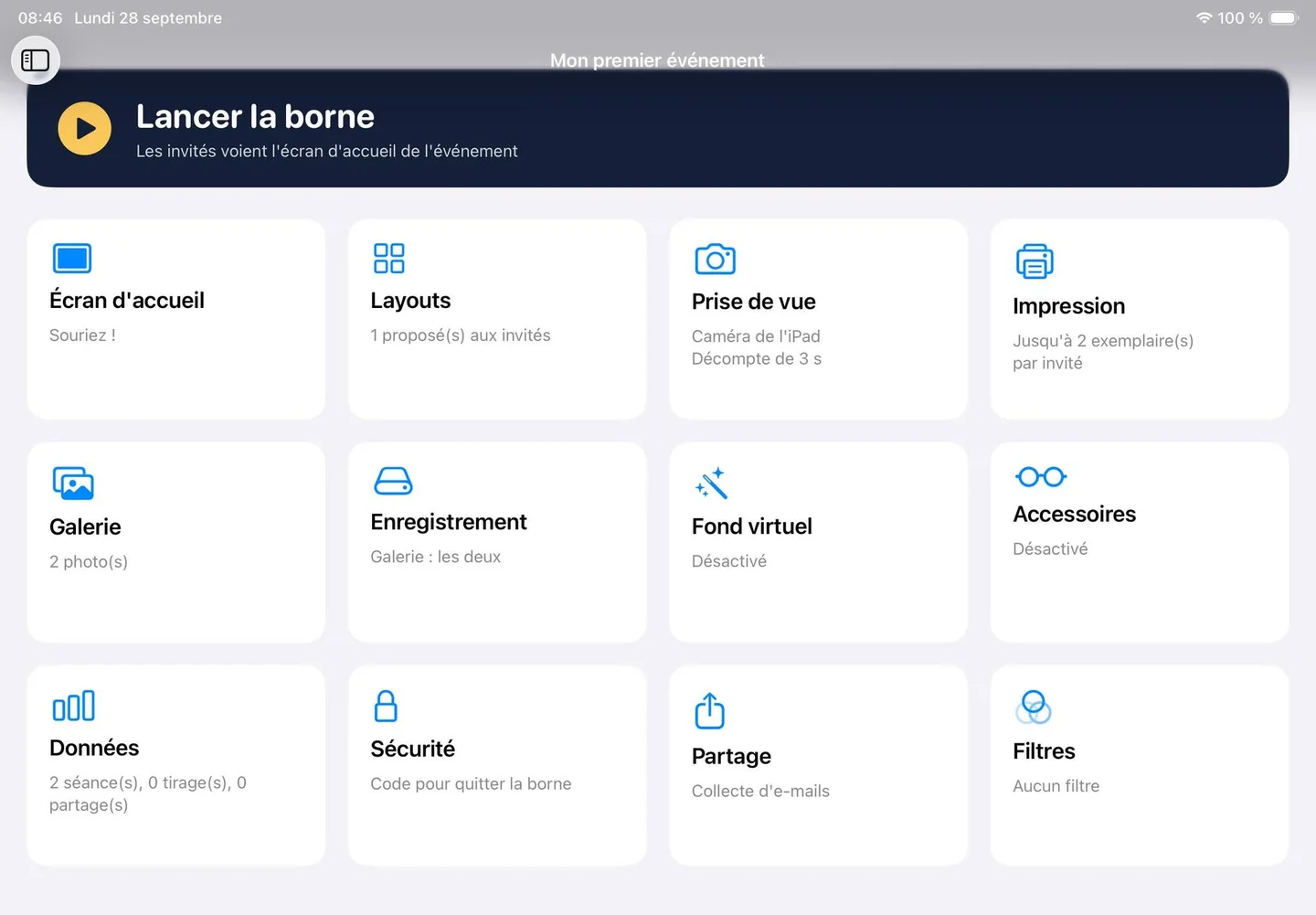
The camera of your choice, or the iPad camera
Plug in a camera over USB for true print quality, or simply start with the iPad's built-in camera.
- Layouts
- Freely upload your own layouts as PNG files and choose which ones guests can pick.
- Printing
- Direct prints on the printer of your choice, with a maximum number of copies per guest.
- Sharing
- Guests receive their photo by email, and you keep the collected addresses.
- Gallery
- Every photo of the event, saved on the iPad and in the photo library.
- Virtual background
- Replace the background without a green screen.
- Props and filters
- Add a festive touch or a black-and-white look.
- Stats
- Number of sessions, prints and shares for each event.
- Security
- A passcode is required to exit the booth, so guests can't touch the settings.
At the party
Weddings, birthdays, corporate events: Photily runs all night long.





Compatible hardware
The list keeps growing during the beta. If your hardware isn't listed, let us know: that's what decides the next compatibilities.
Cameras
- iPad camera Built-in
- Canon Tested
- Nikon Tested
- Other brands In progress
Printers
- Any printer on the same network as the iPad Compatible
If the printer isn't on the same network as the iPad, you may need to connect the iPad to the printer's network.
Photily is developed and tested on iPad (10th generation).
Photo booth operators, try Photily.
Do you run a booth at weddings or corporate events? Try Photily for free during the beta and help us support your hardware.
Frequently asked questions
How much does Photily cost?
Photily will be a paid app on the App Store. During the beta, it's free through TestFlight.
How do I install the beta?
Install Apple's TestFlight app on your iPad, then open our invitation link. Photily installs like any other app.
Do I need a camera?
No. You can start with the iPad camera, then plug in the camera of your choice over USB for better print quality.
Is my camera compatible?
Canon and Nikon cameras over USB are tested. Other brands are in progress: email us with the model you use.
Which printer should I use?
Photily works with any printer on the same network as the iPad. If the printer is on another network, connect the iPad to the printer's network.
Can I use my own frames?
Yes. Design your layout in any tool you like, export it as a PNG file, then upload it to Photily.
Can guests leave the app?
No. A passcode is required to exit the booth and access the settings.
Support
A question, a bug, a camera to add? Email us, we reply within 48 hours.