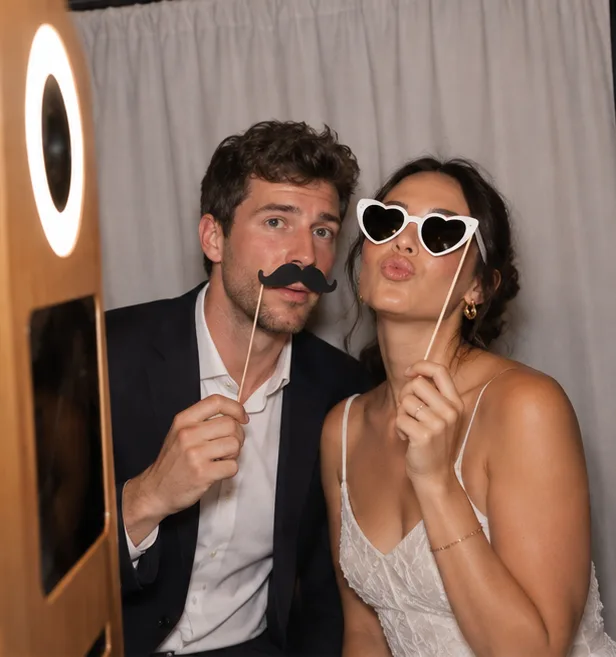
“Studio” looks
Beauty, Film, Polaroid… Polished looks applied live: guests see the result before the shot.
Included for free
Photily drives your camera, dresses your guests up with live props and prints every photo. Shooting and printing are free, with no time limit.
Free on the App Store, for iPad and iPhone. The free version shows ads, never during the photo. A demo event works as soon as you open the app, with no gear at all.
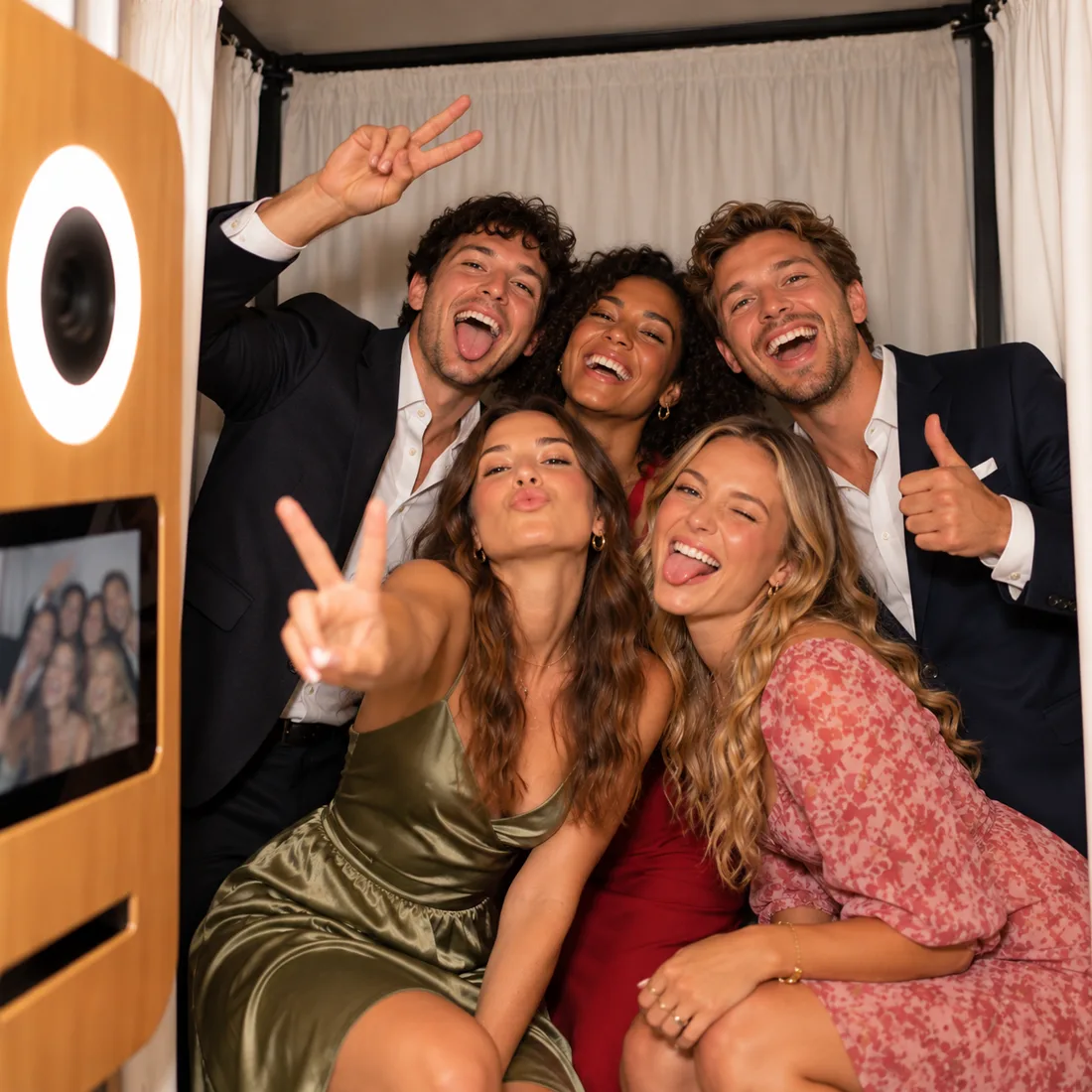
Studio looks, redesigned props, one-tap themes: your booth looks great from the moment it is set up. And it is all included in the free version.
Beauty, Film, Polaroid… Polished looks applied live: guests see the result before the shot.
Included for free
Glasses, hats, crowns… redrawn and still tracking every face. Import your own props too, in your colours.
Included for free
Chic wedding, birthday, corporate, party, Christmas, baby shower: one theme dresses the whole booth in a second.
Included for free
An animated gradient welcome screen and confetti to draw guests in front of the lens.
Included for free
Guest screens now speak French, English, German and Italian. Ideal in Switzerland and for international weddings.
Included for free
And still
No computer, no design software: draw your print right on the iPad, or bring in the template you already have, wherever it is.
Design it on the iPad
Import it from anywhere
While framing, guests pick glasses, a hat or a crown. Photily puts them on every face, live, and they move with them.
Redesigned props: glasses, hats, crowns, ears, bow tie… and your own, imported in your colours.
3… 2… 1… Smile!
A photo printer for colour prints, a ticket printer to vary the fun, or both at once.
It prints in black and white, with no ink or cartridge.
On adhesive rolls, guests stick their photo in the guest book. Kids love it.
A retro black-and-white print on inexpensive paper.
Compact and often battery-powered, the printer follows the booth to a stand, a trade show or outdoors.
The event welcome screen invites them to start.
It appears on faces while framing.
Photily fires the camera at the end of the countdown.
The print in hand, by AirDrop, or by QR code with a Pass.
Guests grab their photo on their iPhone in one tap, even with no internet. No app to install.
A gallery hosted by Photily, nothing to set up. With no network in the venue, photos reach the gallery as soon as the iPad is online.
Guests leave a video message. Plug in an external camera or mic over USB-C or Bluetooth if you like.
Guests write a message on their photo before it prints.
The iPad gallery plays the night's photos and reprints a photo in one tap.
An iPhone or iPad next to the booth, where guests find their photos and get them by AirDrop, or by QR code and email with a Pass.
Guests go again without filling in the form a second time.
Delete one or more photos on the iPad: they are also removed from the online gallery.
Photily was built behind a rental booth. Try it free, with no time limit, then go Pro to run several booths under your own brand.
The free version prints clean photos, with no watermark, and shows ads. A Pass or the Pro subscription removes all ads and sends photos to guests' phones by QR code, email or WhatsApp.

Shooting and printing are free, with no watermark. Paying adds two things: no more ads and photos shared with guests (QR code, email, WhatsApp).
Free
€0
No time limit, with ads.
72-hour Party Pass
€9.99
One-time purchase, no renewal. 72 hours from purchase.
30-day Wedding Pass
€14.99
One-time purchase, no renewal. 30 days from purchase.
Pro
€9.99 / month
Or €89 a year, about €7.42 a month and a quarter off. No commitment on monthly.
Tip: a Pass starts at purchase. Buy it just before your event. More than 3 iPads? Custom Pro, on quote.
| What is included | Free | Party Pass | Wedding Pass | Pro |
|---|---|---|---|---|
| Price | €0 | €9.99one-time | €14.99one-time | €9.99/monthor €89/year |
| Duration | unlimited | 72 h from purchase | 30 days from purchase | subscription |
| Events | 1editable and reusable | 1 | 1 | unlimited |
| Devices | no limitnothing goes through the server | 1 iPad | 1 iPad | up to 3 iPads |
| Full shootingphoto, GIF, boomerang, video clips, video guest book, filters, virtual background, props, handwritten notes, layouts, themes | Included | Included | Included | Included |
| PrintingAirPrint, DNP via print server, Bluetooth tickets | Included | Included | Included | Included |
| AirDrop and guest formphotos on the device, CSV export of contacts | Included | Included | Included | Included |
| Watermark | none | none | none | none |
| Ads | yes | no | no | no |
| Online gallery and QR codeon screen and on the print | Not included | 30 days | 6 months | 60 days |
| Email and WhatsApp sending | Not included | Included | Included | Included |
| Operator toolsweb management, remote control and “My booths”, your branding and white label, webhooks, server copy of contacts | Not included | Not included | Not included | Included |
Prices include VAT. Purchases and subscriptions are made through the App Store. Passes are one-time purchases with no renewal. Pro subscriptions renew automatically unless cancelled at least 24 hours before the end of the current period, from your Apple Account settings. Payments and refunds are handled by Apple; billing is per Apple Account. Terms of use (Apple licence agreement) · Privacy policy (in French). · Terms of sale (in French).
Photily runs our own wooden booth, hired out for weddings and parties around Geneva. Every feature goes through real venues before it reaches your iPad.
See our booth for hireYes: one event, every shooting and printing feature, with no watermark and no time limit. The free version shows ads. Download Photily on the App Store.
Never during the photo. On the guest side, a silent image ad shows every 3 sessions, after the photo, just before returning to the welcome screen. On the booth, an ad banner stays at the bottom (or top) of the screen during the event: the guest screen shrinks to fit, nothing is hidden.
On the organiser side: a banner at the bottom of menus and settings, an occasional full-screen ad in the settings (at most every 5 minutes) and an ad when the booth starts.
No ads during the first 15 minutes of use, in the layout editor or during a session. Family-friendly content only (rated “G”), no video with sound. Offline, no ads.
With a Pass (from €9.99, one-time purchase) or the Pro subscription. Ads disappear as soon as you buy.
Yes, by AirDrop and as prints. QR code, email and WhatsApp need a Pass or Pro: photos then go through our server, which has a cost.
The Party Pass lasts 72 hours and keeps photos online for 30 days. The Wedding Pass lasts 30 days and keeps photos online for 6 months. Both start at purchase, so buy your Pass just before the event.
With the free version and a Pass, one event at a time: you edit it for the next party. With the Pro subscription, events are unlimited.
Yes. On first launch, a demo event works with just the iPad camera, with no camera or printer.
No. You can start with the iPad camera, then plug in a camera over USB (tested with Canon, Nikon and Sony bodies, among others) or connect a Canon over Wi-Fi via CCAPI for better print quality. Brands mentioned belong to their respective owners; Photily is not affiliated with any of these manufacturers.
Any AirPrint photo printer, over Wi-Fi or added by its IP address. Photily has been tested with HiTi, DNP, Citizen, Epson and Canon printers, among others; depending on the model, printing goes through AirPrint or a print server. Photily also works with thermal ticket printers, over Bluetooth or a network. Brands mentioned belong to their respective owners; Photily is not affiliated with any of these manufacturers.
No. They leave with their print or get their photo by AirDrop; with a Pass or Pro, also by QR code, email or WhatsApp.
Yes. An iPhone can be a mobile booth, a sharing station next to the booth, or a way to manage your events.
With the free version, as many as you like: nothing goes through our server. One iPad with a Pass, up to 3 with the Pro subscription. Beyond that, we offer a custom quote.
Yes, even with the free version: form answers export to CSV from the iPad. With Pro, you also find them on your web management page and can send them automatically to your CRM or to Zapier, Make and n8n.
Yes, with the Pro subscription: logo, colours, message and a booking button on the gallery, on every photo and in the email sent to guests. With white label, no mention of Photily on the guest side.
Yes. Import your PNG overlays: photos drop into the transparent windows on their own. You can also start from a template in the editor.
Yes. Everything works: photo, printing, AirDrop. Offline, no ads. With a Pass or Pro, photos reach the online gallery as soon as the network is back.
French, English, German and Italian.
No. Photily only detects where faces are in the image to place the props, directly on the iPad. No face is identified, stored or sent.
No. The booth runs in Guided Access, and a code is required to leave the booth and open the settings.
With the free version, photos stay on the iPad: nothing goes through our servers. With a Pass or Pro, gallery photos are stored in the European Union and deleted automatically on the date shown on each page: 30 days, 60 days or 6 months depending on the plan. Email addresses entered at the booth stay on the organiser's iPad. If automatic sending is on, they go through our servers only to send the photo link and are not kept for that purpose. With the Pro plan, the organiser can also keep a copy of form answers on our servers: 30 days by default, 60 days at most, then deleted automatically. Details are in our privacy policy (in French).
Sign in at galerie.photily.fr/compte and use the “Delete my account” button. If you do not sign in for 400 days, the account is also deleted automatically.
From your Apple Account settings, at least 24 hours before the end of the current period. Pro monthly has no commitment. Passes are one-time purchases: nothing to cancel.